Codex CLI was talking to my OpenAI-compatible gateway just fine. Codex Desktop was not.
Same ~/.codex/config.toml. Same custom provider. Same machine. Desktop failed immediately with:
1 | Missing environment variable: CLI_PROXY_API_KEY |
The provider was not the problem. The process environment was.
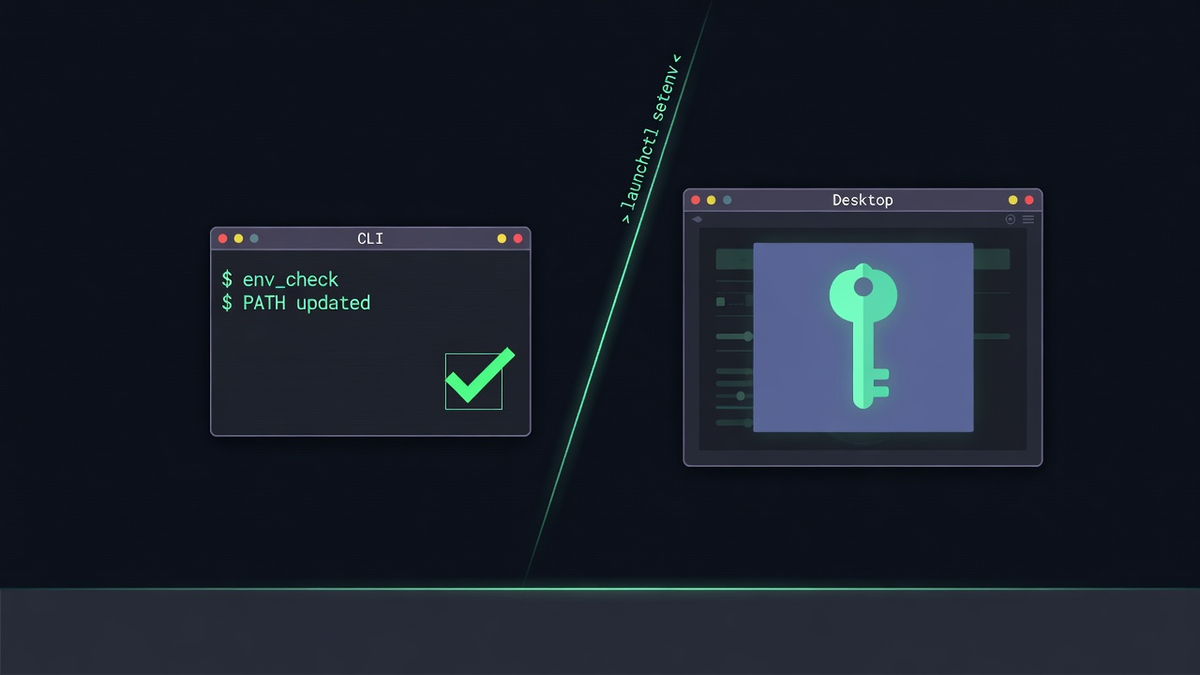
Intent
I run coding agents through a single gateway - CLIProxyAPI - so model choice stays flexible without re-wiring auth in every client.
For Codex, that means a custom provider:
1 | model_provider = "cli_proxy" |
The key never lives in the config file. Codex reads it from the process environment via env_key.
In the shell that is easy:
1 | export CLI_PROXY_API_KEY="$(gopass show -o <secret-path>)" |
CLI inherits the export. Done.
Desktop is a different animal.
Why CLI worked and Desktop did not
Codex Desktop ships inside ChatGPT.app. When you open it from the Dock or Spotlight, macOS starts it through LaunchServices.
LaunchServices does not load ~/.zshrc.
So the same provider block that works in a terminal session fails in the GUI process, because CLI_PROXY_API_KEY is simply not present.
You can confirm the split:
1 | # shell world |
If the first is non-zero and the second is zero, you have the bug.
The fix: bridge the GUI session with launchctl
macOS lets you inject environment variables into the GUI session:
1 | launchctl setenv CLI_PROXY_API_KEY "$(gopass show -o <secret-path>)" |
Then fully quit ChatGPT (Cmd+Q) and reopen it so the new process inherits the session env.
That is the whole idea. Everything else is packaging so you do not have to remember the command after every reboot.
Stow-managed LaunchAgent
I put it in my dotfiles as a macOS-only LaunchAgent:
| Piece | Role |
|---|---|
~/.local/bin/set-cli-proxy-gui-env.sh |
Reads gopass, runs launchctl setenv |
~/Library/LaunchAgents/local.cli-proxy-gui-env.plist |
Runs at login, retries every 5 minutes if gpg was locked |
Install:
1 | make stow-bin stow-launchd |
Design choices that mattered:
- Skip when already set - avoids pinentry spam on the 5-minute retry.
- Timeout around gopass - a hung pinentry under launchd must not stall forever.
refresh/unsetmodes - key rotation without reboot:
1 | "$HOME/.local/bin/set-cli-proxy-gui-env.sh" refresh |
- Portable
$HOMEpaths - the plist launches viabash -c 'exec "$HOME/.local/bin/..."'so the package does not hardcode a username.
Shipped as dotfiles#107.
How we proved it
After loading the agent and relaunching ChatGPT:
- GUI env -
launchctl getenv CLI_PROXY_API_KEYwas non-empty. - Process env - the ChatGPT process itself contained
CLI_PROXY_API_KEY. - Gateway -
GET /v1/modelswith that key returned HTTP 200. - Desktop chat - sent
hello from computer-use env teston a CLIProxy-backed model. The footer showed CLIProxyAPI. The agent worked. No missing-env banner.
One amusing constraint: Codex Computer Use refuses to drive com.openai.codex for safety reasons, so the UI proof used window capture and Accessibility rather than Computer Use controlling Codex itself. The process-env + gateway + live chat evidence was enough.
Mental model
1 | gopass secret |
If the CLI works and Desktop fails on the same config file, check the process tree before the provider block.
Shells export. Docks do not.
Tradeoffs
launchctl setenvis session-scoped. Cold boot still depends on gopass unlock timing.- Rotating the secret leaves a stale GUI value until
refreshor logout. - This is a deliberate bridge for one env var, not a general secret injector for every app.
Takeaway
Custom providers with env_key are only as reliable as the environment of the process that loads them.
For terminal agents, your shell is enough.
For macOS GUI agents, you need an explicit bridge into the LaunchServices world. A small LaunchAgent that reads gopass and runs launchctl setenv is that bridge - boring, portable, and enough to make Codex Desktop use the same CLI Proxy path as the CLI.
Comments